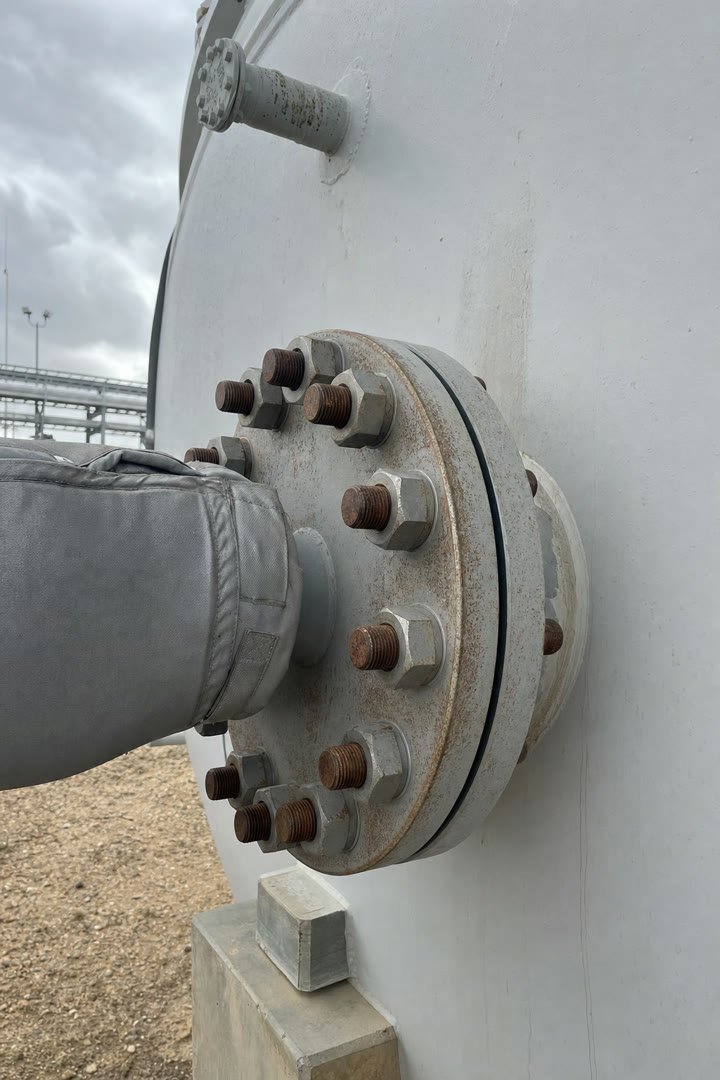
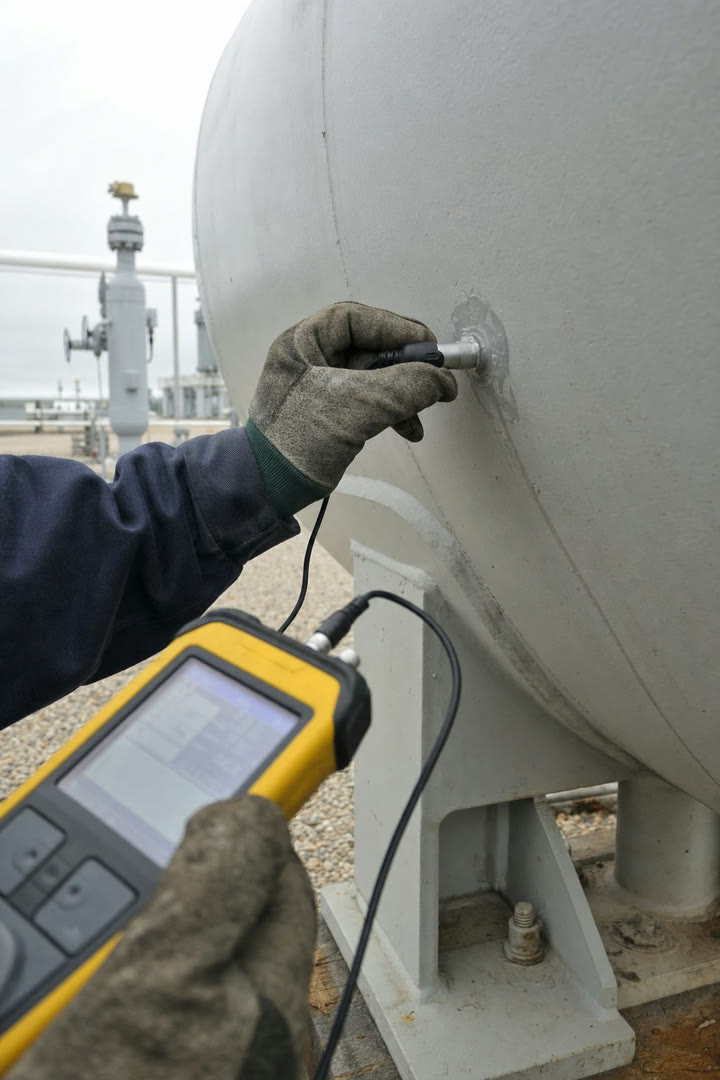
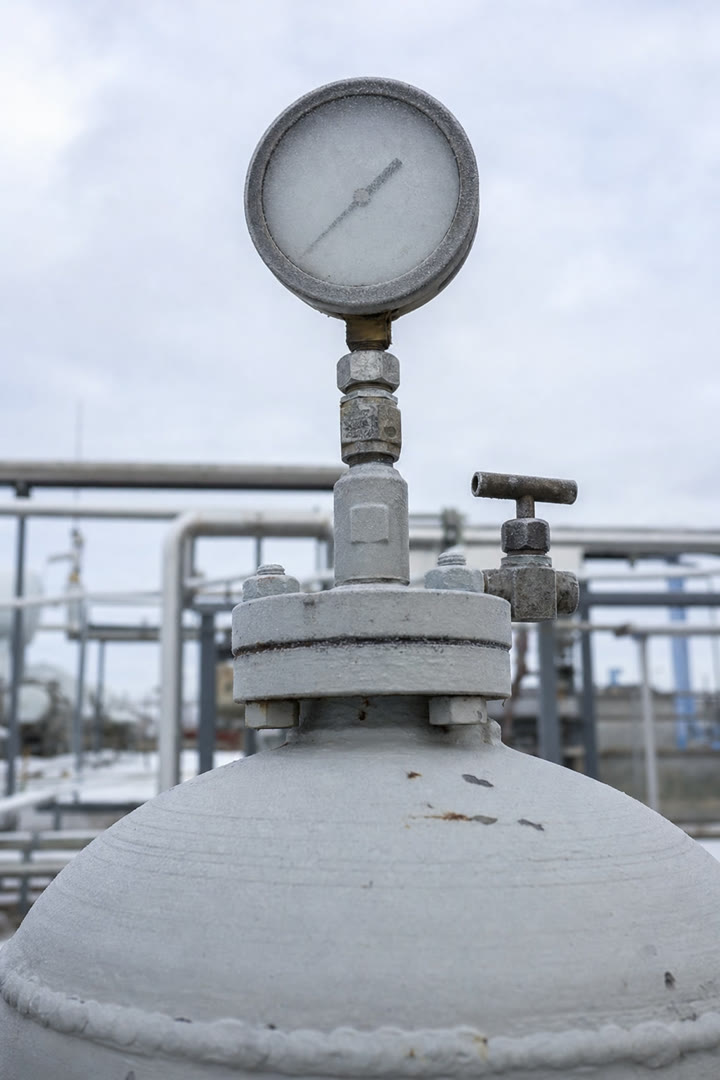
We listen for the details.
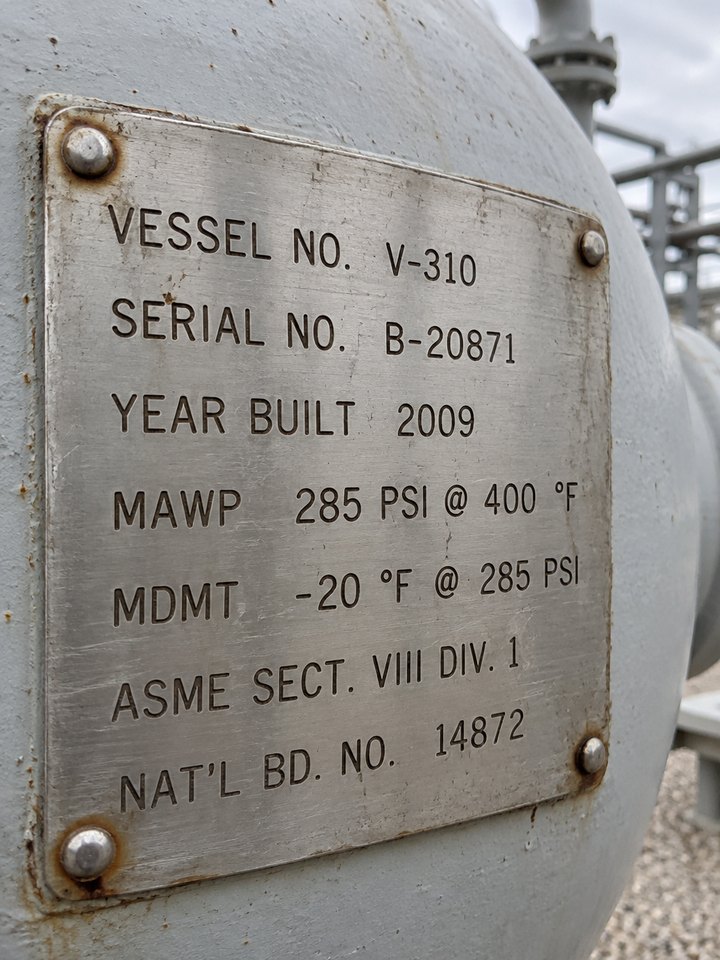
CML numbers, thickness readings, tag IDs. Everything said on site lands in the finding exactly as spoken.
Our AI connects the two, so inspectors never type a report and reviewers never chase one.
CML numbers, thickness readings, tag IDs. Everything said on site lands in the finding exactly as spoken.
Everything saves on the phone and syncs the moment you're back in range.
Voice, checklists, required photos, readings. Pick the steps for each template and the app walks inspectors through them.
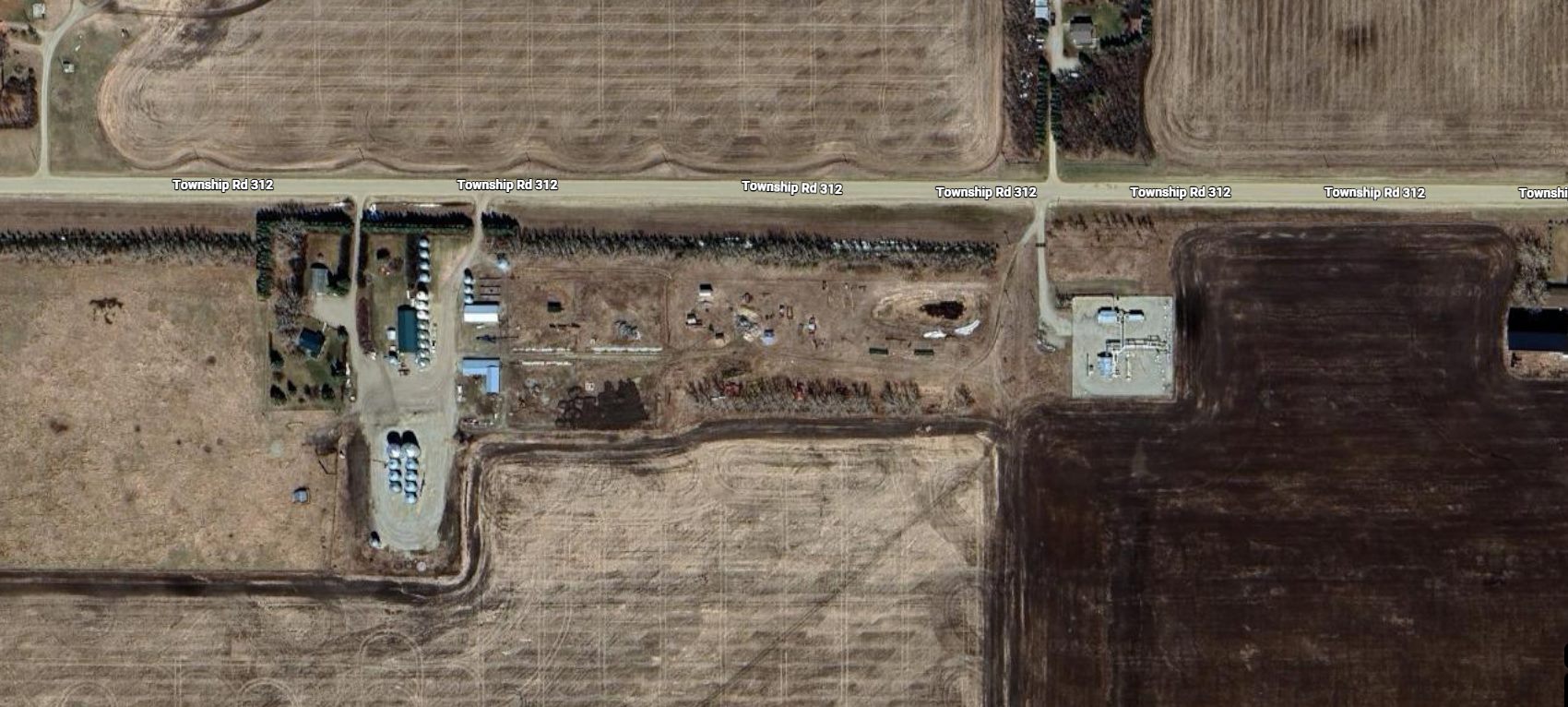
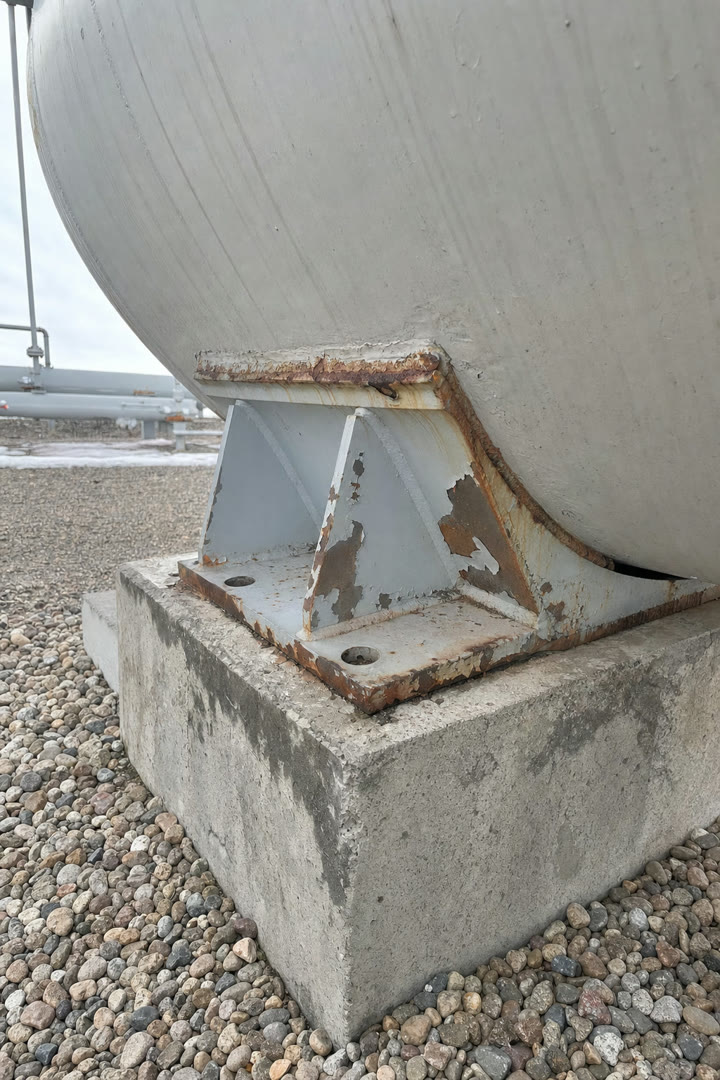
Stamped the moment you shoot, then pinned on the dashboard map.
Inspekto AI
It does the part nobody got into inspection for. Findings, fitness-for-service calls and approval stay with your people.
Reviewers, engineers and managers work from the dashboard. Approve, export and see where the team is, without waiting on the field.
The inspection page
The draft with every field editable, the photos pinned where they were taken, the chat with the inspector and the activity log. Reviewers edit together, live. Approve it in one click, or send it back with a note.
Team map
Live positions on the map, who is on a lone-work session and when their next check-in is due. A missed check-in alerts the people you chose by app, SMS and email.
Dashboard
Inspections completed, time to approval, what is waiting and how much the AI filled. Pick a date range and the whole page follows.
Home
Reports to review, the last thing each person did and where the team is right now. The first screen of the day.
The inspection page
The draft with every field editable, the photos pinned where they were taken, the chat with the inspector and the activity log. Reviewers edit together, live. Approve it in one click, or send it back with a note.
Team map
Live positions on the map, who is on a lone-work session and when their next check-in is due. A missed check-in alerts the people you chose by app, SMS and email.
Dashboard
Inspections completed, time to approval, what is waiting and how much the AI filled. Pick a date range and the whole page follows.
Home
Reports to review, the last thing each person did and where the team is right now. The first screen of the day.
Inspectors start a session before working alone and check in as they go. Miss one and the people you picked get a text, an email and an app alert with their last location.
Draw the route once. Reports go to whoever has to sign, based on the template, the client or what was found, and nothing is exported before the last approval.
Every edit to a report is tracked. Insights shows which fields get corrected most and who struggles with what, so you fix the template or coach the person.
You change it. Every AI-filled field is editable on the dashboard, edits are logged with who made them, and nothing is exported without a person approving it. The AI drafts; the inspector signs.
Around 90% of fields on a typical inspection. The rest are left blank for the reviewer rather than guessed, and the AI review pass flags any field that disagrees with the photos before approval.
No. Capture works fully offline. The AI runs once the phone syncs, so a site with no signal just means the draft is waiting when you are back in range.
Photos, videos and voice notes, captured in the app or bulk-uploaded from a camera afterwards. Each file the AI processes counts as one attachment on your plan.
No. Send us the Excel or Word report you deliver today. We import it free and the AI fills it field by field. API 510, 570, 653 and 580 and ASME B31.3 templates are there if you want a starting point.
No. Your reports and photos are yours. They are not used to train models for anyone else, and you can export everything at any time.


Diogo & Luiz, co-founders
Usually reply within a few hours
Thirty minutes with a founder. Bring the report you deliver today and we run your first inspection through it on the call.
Not ready for a call? Email us instead.